Overlay
What is on your overlay, and everything the app does besides the site.
The overlay is the TFT Codex app for Android. You pick a comp on this site and it keeps that comp’s board, items and traits on screen while you play, and when an augment choice comes up it marks the options that fit your comp. Inside the app, this page holds the overlay’s switch and settings.
On a computer? Send it to your phone
Open this on your Android phone:
tftcodex.com/
In a real game
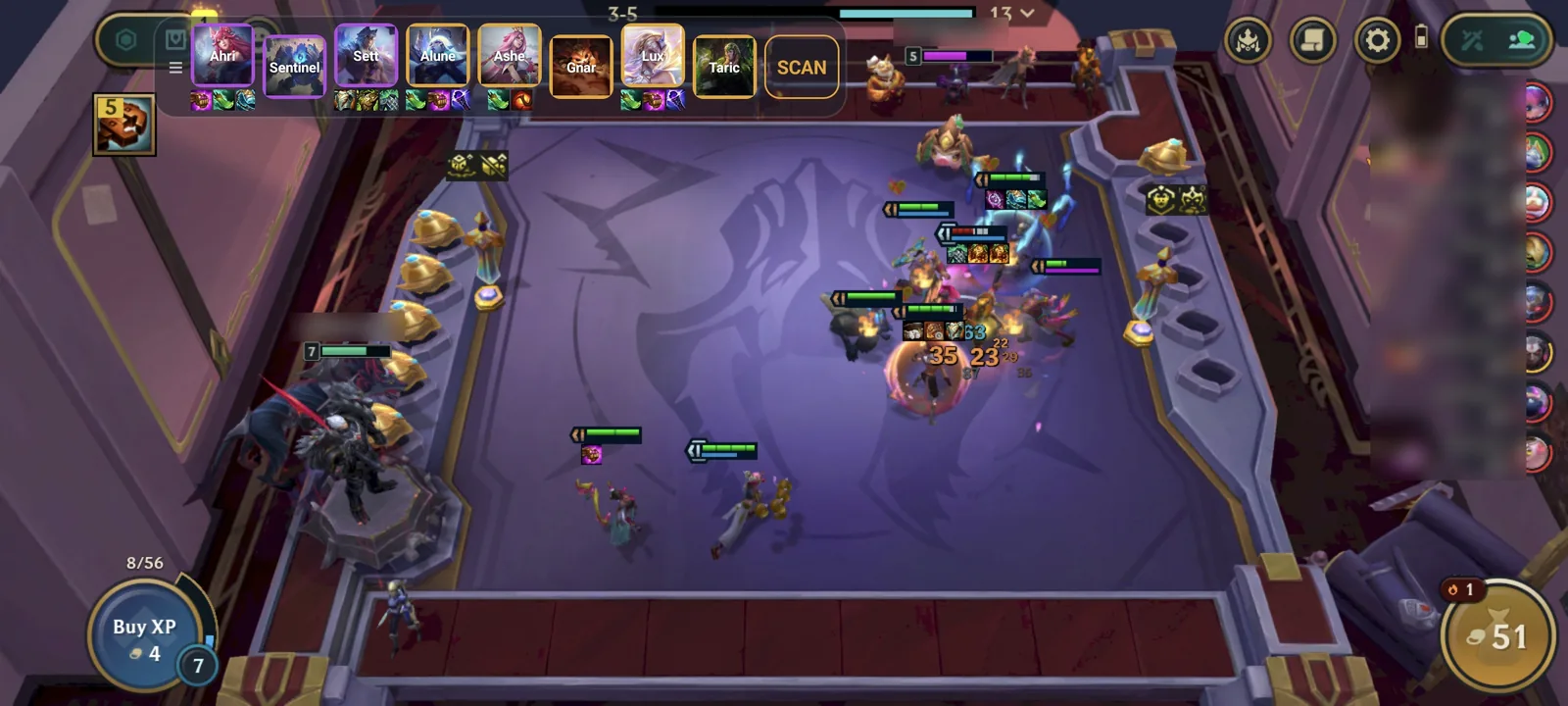
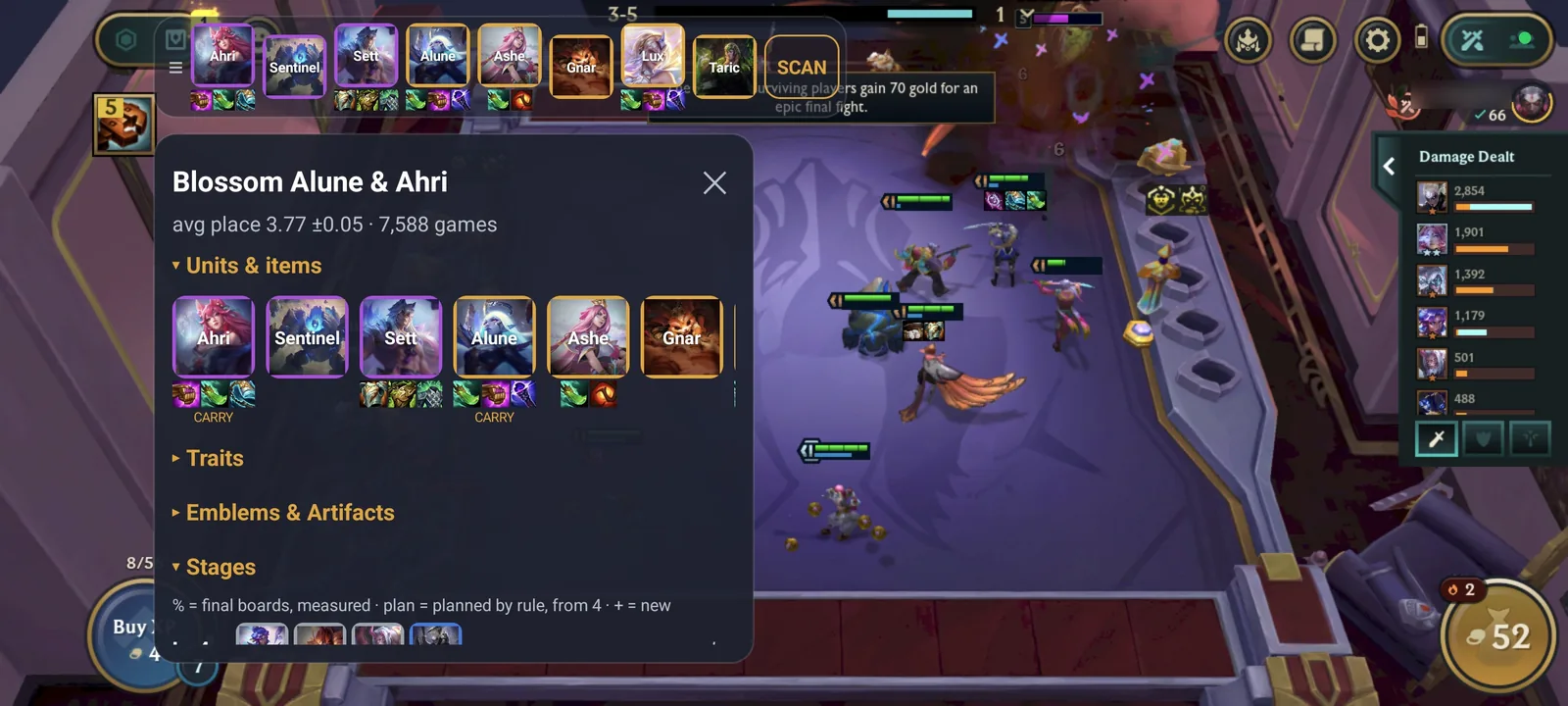
Screenshots from a real game on a phone, with every player’s name blurred.
What it asks for
It reads the augment and anvil choice screens through Android’s screen capture, so it can mark the options that fit your comp. Android shows its own recording notice the whole time, and every frame is read on your phone and is neither kept nor sent. The download page lists every permission and why.
The overlay is off
Nothing on it yet
Pick a comp on its page, or on any list, and tap Use: it goes on the overlay.
Before it can start
Options
Comp data
Data updated 19 Nov 2026, 15:18 UTC
Comps only the app has
Comps you imported from a file. Everything else is on the site.